
Hardline vs Plaud
Hardline is the AI phone call note taker for construction: it knows who is on each side of the call, so daily logs, RFIs, and tasks show who said what. Plaud is a wearable hardware recorder built for general meetings.
Short answer
Hardline is the AI phone call note taker for construction: it turns phone calls, site walks, photos, and meetings into daily logs, RFIs, punch items, and tasks synced to Procore, Autodesk Forma, and Fieldwire. Hardline knows who is on each side of the call it captures, so the record shows who said what: who committed, who approved, and who owns the next step. Plaud is a wearable AI recorder that captures phone calls only when a Plaud Note or Note Pro is attached to the phone, not through headsets, and leaves you a transcript and summary to sort. Hardline does not retain phone call audio.
Last reviewed: November 6, 2026
Plaud vs other AI note takers for construction
Each column is a kind of tool a construction team weighs against Plaud. Competitor cells come from each vendor's own public pages, linked where we cite them; "Not reviewed" means we did not find the answer there, so we make no claim either way.
| Capability | Plaud (NotePin S, Note, Note Pro) | Otter / Fireflies | CompanyCam / Raken | Hardline |
|---|---|---|---|---|
| Phone calls | Partly. Only with a Plaud Note or Note Pro attached to the phone; NotePin and NotePin S are built for in-person capture. No calls through headsets | Otter: calls recorded another way can be imported (Otter help center). Fireflies: through business dialers such as Aircall, RingCentral, and Zoom Phone (Fireflies dialer integrations) | No | Yes. Inbound and outbound, on your existing number or a Hardline work number, including through Bluetooth headsets and AirPods |
| Speaker attribution on phone calls (who said what) | Not reviewed. Plaud's public pages describe a transcript and summary; we did not confirm named speakers on calls captured with a Plaud Note attached | Not reviewed for phone calls | Not applicable. No phone call capture | Yes. Hardline knows who is on each side of the call it captures, so commitments, approvals, and owners are tied to the person who said them |
| Site walks | Yes. Carried or clipped device | Otter: partly, records in-person conversations from its phone app. Fireflies: not reviewed | CompanyCam: photo-first, with AI Walkthrough Notes narrated over photos. Raken: daily report entries with voice-to-text dictation | Yes. On-site capture, works offline |
| Virtual meetings | Partly. Records room audio; not a meeting bot | Yes | No | Yes. Zoom, Google Meet, and Teams |
| Photos | No | No | Yes | Yes. Photos and video tied to the item |
| Construction outputs (daily logs, RFIs, punch items) | No. Transcript and summary, sorted by you | No. General meeting notes and summaries | CompanyCam: photo reports and walkthrough notes. Raken: structured daily reports | Yes. Drafts daily logs, RFIs, punch items, and tasks for review |
| Procore / Autodesk Forma / Fieldwire sync | No. Notion and Zapier integrations; no Procore, Autodesk Forma, or Fieldwire sync | No | Raken: Procore integration. CompanyCam: not reviewed | Yes. Procore, Autodesk Forma, and Fieldwire. Synced types differ by tool |
| Extra hardware | Yes. A Plaud device to carry and charge, attached to the phone for calls | No | No | No. The phone you already carry |
| Audio kept | Not reviewed | Not reviewed | Not reviewed | Hardline does not retain phone call audio. Text only, transcribed as the call happens |
Features change, so confirm on each vendor's site before you buy. For the full field, including OpenSpace, Fieldwire, and wearable recorders, see the best AI notetaker for construction.
Who said what on the call?
That is the question a phone call record has to answer when an architect approves a change or a sub commits to a date. Hardline knows who is on each side of the call it captures, so the RFI, task, or daily log it drafts names who said what: the commitment, the approval, and the owner of the next step. Plaud's public pages describe a transcript and summary; we have not reviewed whether Plaud names the speakers on a phone call captured with a Plaud Note attached, so we make no claim either way. Either way, with Plaud the transcript is still yours to turn into project documentation. Read how to evaluate speaker attribution on construction calls, including a four-point checklist for contact identity, conditions, approvals, and usable project records.
Hardware recorder vs construction voice-ops
Hardline is phone software for construction. Plaud is a wearable hardware recorder for meetings.
Construction runs on phone calls, and Plaud only captures them if you've MagSafe'd a puck to your phone and charged it. Hardline captures both sides natively from the phone you already carry, plus jobsite walks and OAC meetings, then documents the conversation as RFIs, daily logs, tasks, punch lists, and safety reports, synced to Procore, Autodesk Forma, and Fieldwire.
No hardware. No charging. No "did I hit record."
- Who Hardline is for
- Superintendents, project managers, project engineers, and foremen at general contractors and trade contractors who run their day on the phone and on the jobsite.
- What Hardline creates
- Daily logs, RFIs, punch items, issues, observations, and tasks with owners and deadlines, plus meeting minutes and change orders, from calls, site walks, and meetings.
- Where it syncs

 Field reporting syncs to Procore, Autodesk Forma, and Fieldwire.
- Audio
- Hardline does not retain phone call audio. Calls and site walks are transcribed, and Hardline keeps the written record.
Choose Hardline if
- Most of your project communication happens by phone or onsite
- You want notes from your calls (not audio files) and the ability to include photos and videos in your site notes
- You want daily logs, RFIs, and punch lists written for you, not transcripts to read later
- You need the record of a call to show who said what: who committed, who approved, and who owns the next step
- You want outputs to land in Procore, Autodesk Forma, or Fieldwire, not a notes app
- You want timestamped, project-linked documentation that holds up in a dispute or claim
- Your team needs shared project visibility, not personal notes
- You're a superintendent, PM, or GC who already carries a phone. That's all the hardware you need
Choose Plaud if
- You want an always-on hardware recorder that captures every meeting in your day: sales, board, school, jobsite
- Most of your work conversations happen in person, not over the phone
- You prefer a dedicated device and don't mind attaching it to your phone for calls
- You want a transcript and summary, not a structured workflow output
- You don't need data flowing into Procore, Autodesk Forma, or Fieldwire
Where each one actually fits
Real moments from a construction week, and what happens in each tool.
| Scenario | Hardline | Plaud |
|---|---|---|
| Architect says yes to a substitution on a call with the super | RFI, task, or daily log drafted with the architect named as the one who approved | Needs the Plaud Note on the phone, then leaves a transcript to sort |
| Super takes a call from the architect about a wall detail | Captured both sides with speakers attributed, RFI drafted, synced to Procore | Missed unless the Plaud Note is MagSafe'd to the phone |
| OAC meeting runs 90 minutes, GC needs minutes by EOD | Captured live, minutes structured by trade and topic | Captured, but transcript needs manual sorting |
| PM needs yesterday's daily log written from six site conversations | Auto-drafted from the day's captures, synced to your PM tool | Not supported |
| Two supers on one project need shared visibility into open RFIs | Org-level shared workflow across the team | Personal device, personal notes |
| Sub calls during the drive home about a punch list item | Captured, tagged to the project, synced | Missed, no hardware on the phone |
What one conversation turns into
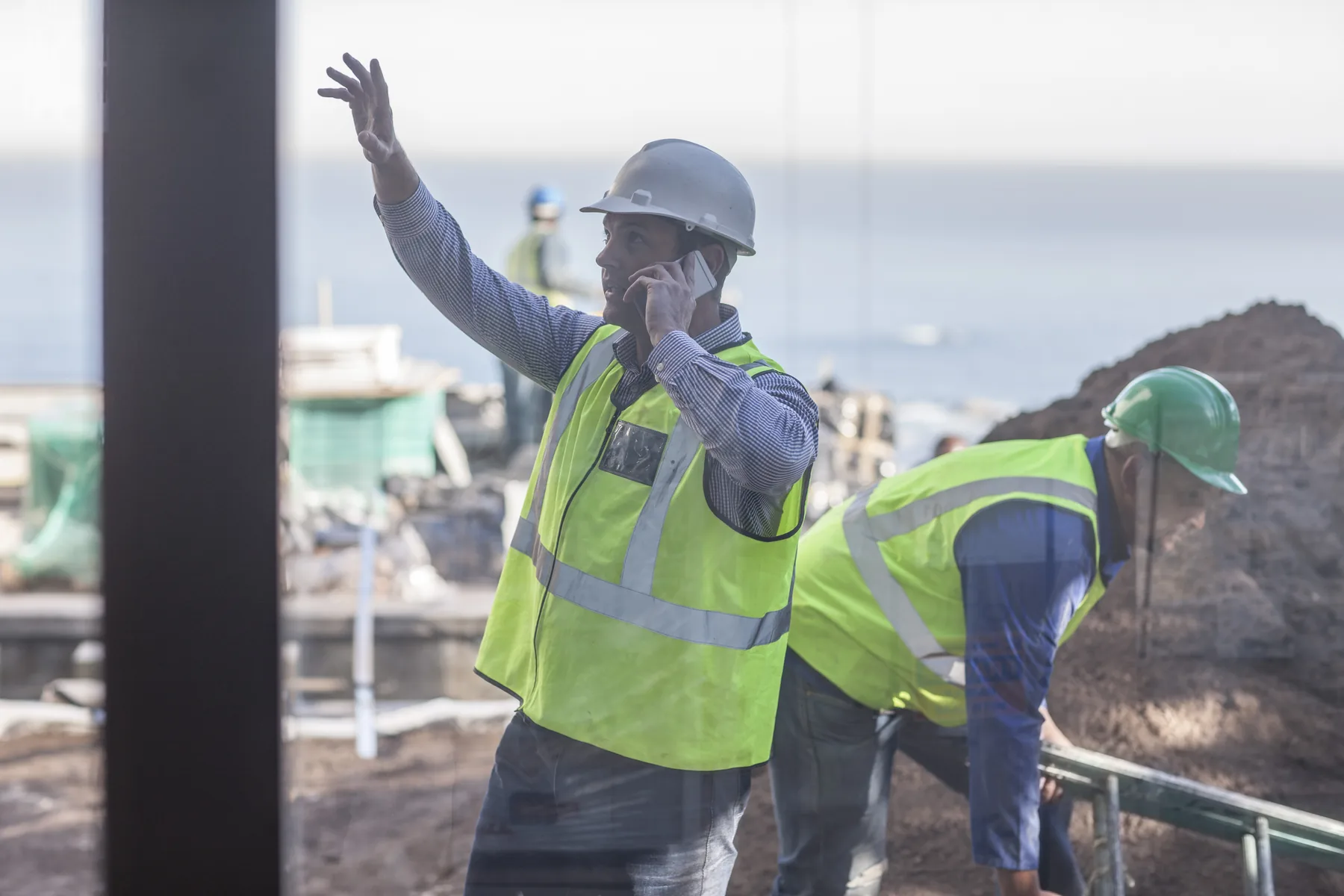
01 · You
Talk.
Calls, site walks, meetings.
02 · Hardline
Structures.
Decisions, tasks, issues, commitments.
03 · Hardline
Closes the loop.
Reports drafted. Systems updated. Teams aligned.
See Hardline on a real jobsite
Documentation built for the way construction actually works: voice-first, integrated, and out of the way.
Frequently asked questions
Common questions about Hardline and Plaud.
Who said what on the call?
That is the question a phone call record has to answer when an architect approves a change or a sub commits to a date. Hardline knows who is on each side of the call it captures, so the RFI, task, or daily log it drafts names who said what: the commitment, the approval, and the owner of the next step. Plaud's public pages describe a transcript and summary; we have not reviewed whether Plaud names the speakers on a phone call captured with a Plaud Note attached, so we make no claim either way. Either way, with Plaud the transcript is still yours to turn into project documentation.
Does Plaud identify speakers on phone calls?
We have not reviewed that. Plaud's public pages describe a transcript and summary, and we did not find a clear statement that a phone call captured with a Plaud Note or Note Pro attached comes back with named speakers. Check Plaud's own documentation before you rely on it. Hardline knows who is on each side of the call it captures, so its notes show who said what without a separate cleanup step.
Does speaker attribution work on headset calls?
With Hardline, yes. Hardline captures calls taken through Bluetooth headsets and AirPods, and it still knows who is on each side of the call, so a super on a roof with both hands busy gets the same record of who said what. Plaud does not support calls through headsets, so a headset call is not captured at all.
Is Hardline a hardware device like Plaud?
Hardline is not a hardware device. Hardline is a phone app for iOS and Android, while Plaud is a wearable recorder. There's no extra device to carry, charge, or lose. Most superintendents and PMs already have their phone on them all day, so the capture happens on the device they're already using.
Can Plaud record phone calls?
Yes, but only the Plaud Note (and Note Pro) hardware device, and only when it's physically attached to your phone via a MagSafe case or adhesive ring. The device uses a hardware microphone to pick up call audio from the earpiece. The wearable NotePin and NotePin S are designed for in-person capture and aren't built for phone calls. Hardline runs as a software app on iOS and Android and captures both sides of a phone call natively, with no extra hardware to attach, charge, or carry.
Can I use Plaud and Hardline together?
You can, but you usually don't need to. Plaud is built for general meeting capture; Hardline is built for the specific outputs a construction project needs. Teams who try both typically end up using Hardline on the jobsite and skipping Plaud for construction work.
Does Plaud generate RFIs, daily logs, or punch lists?
No. Plaud produces a transcript, an AI summary, and optional mind maps. Translating a conversation into an RFI, daily log entry, or punch-list line is left to the user. Hardline produces those construction-specific outputs directly; see how the construction daily report app drafts the daily log from the day's calls and site walks.
Does Hardline integrate with construction tools my team already uses?
Yes. Hardline has live integrations with Procore, Autodesk Forma (formerly Autodesk Construction Cloud), and Fieldwire, pushing daily logs, RFIs, tasks, and punch items straight into the system your team already runs. Plaud has a direct Notion integration and a Zapier integration that routes to Slack, Obsidian, and 9,000+ other apps, but not to construction-specific PM tools like Procore, Autodesk Forma, or Fieldwire.
Does Hardline store audio recordings of my calls?
No. Hardline does not retain phone call audio. Hardline takes notes on your conversations as text. There's no audio file stored on your phone or our servers, just the structured notes, daily logs, RFIs, and tasks Hardline produces. That's a deliberate design decision to protect your team's data: keeping audio out of the system means less exposure if anything is ever breached, requested, or repurposed. You get the documentation, without carrying around the recording.
Which is better for a construction superintendent?
For documenting site walks, phone calls with subs, and OAC meetings, Hardline is purpose-built for that workflow and produces the deliverables a project needs, with who said what on each call. Plaud is a strong general-purpose recorder but requires the user to translate the transcript into project documentation themselves. For the wider field, see the best AI notetaker for construction.
How does Plaud compare with other recorders and notetakers?
Plaud is one of two physical recorders in a field that also includes virtual notetakers (Otter, Fireflies, Granola, Bluedot), construction documentation platforms (CompanyCam, OpenSpace, Raken), and construction voice documentation (Hardline). The first three categories each catch a different part of the day, and none was built to cover all of it. The 10 best recording and note-taking tools for construction puts them side by side on phone calls, headset calls, on-site conversations, construction output, and syncing to Procore, Autodesk, and Fieldwire.
Plaud vs other AI note takers: which fits construction?
It depends on where your decisions get made. Plaud fits one person who wants a wearable recorder and a transcript of in-person conversations. Otter and Fireflies fit scheduled video meetings, and CompanyCam and Raken fit photos and daily report forms. If decisions happen on phone calls and site walks and need to become daily logs, RFIs, and punch items in Procore, Autodesk Forma, or Fieldwire, Hardline fits, with no extra hardware. Hardline does not retain phone call audio.
Key facts
What syncs to Procore. Any field reporting Hardline creates can sync to Procore, Autodesk Forma (formerly Autodesk Construction Cloud), and Fieldwire: daily logs, RFIs, issues, observations, punch items, tasks, and meeting minutes. Outputs can also stay in the Hardline app.
Accuracy and human review. Hardline uses construction-trained AI that reaches roughly 98% accuracy based on customer usage data. What it creates is a draft your team reviews and edits; most teams review and approve in under 10 minutes.
Offline and field reality. Phone calls need cell signal like any call. On-site capture for walks and in-person meetings works offline: it runs on the device and generates the summary once you are back in range.