
5 AI skills every construction PM & superintendent needs
Turn your jobsite conversations, emails, documents, and project data into actionable insights with Claude, ChatGPT, and Hardline.
Free downloads • Built for construction • Compatible with supported Claude and ChatGPT skill workflows
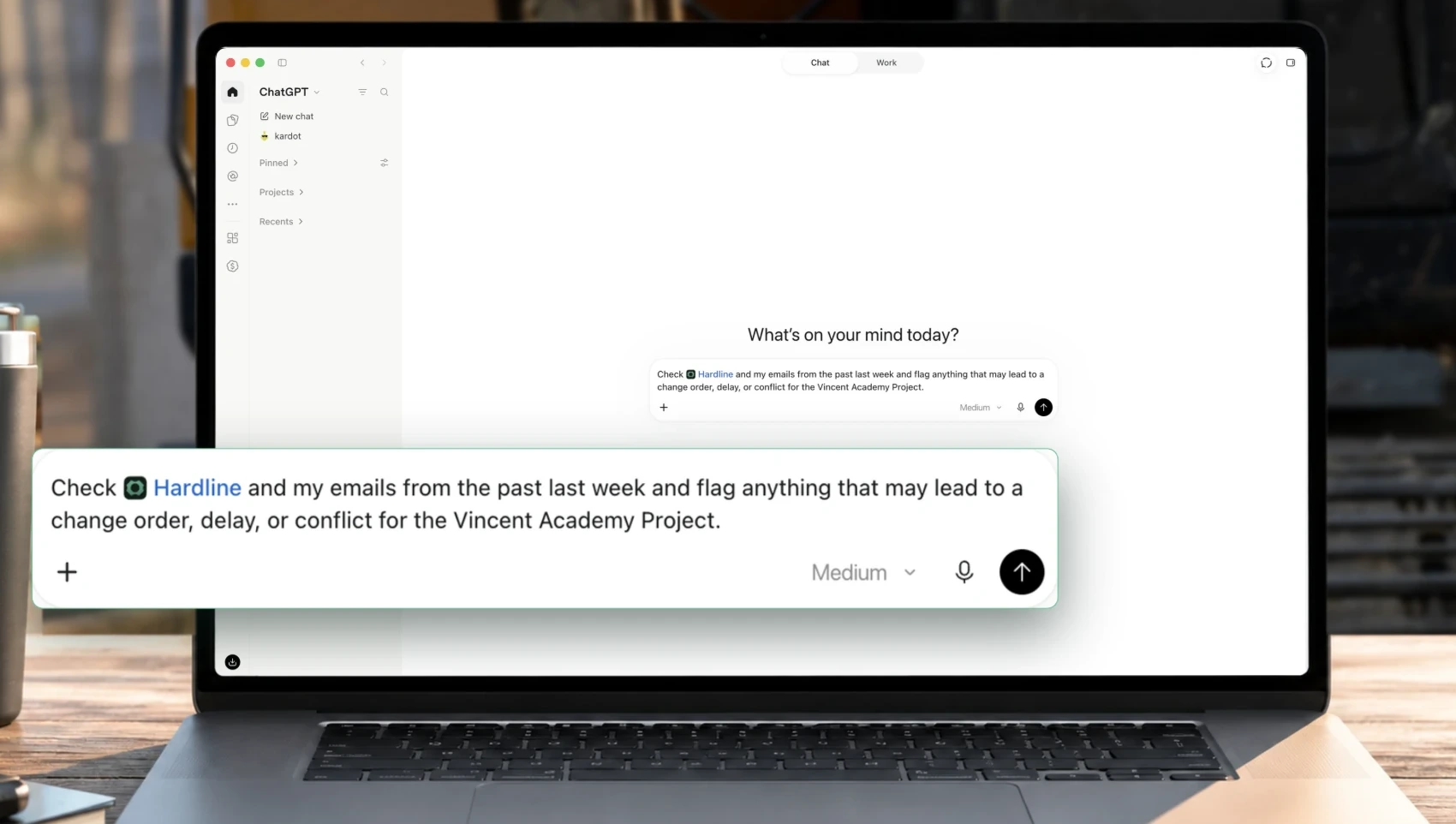
Five skills. Pick one or take them all.
Stop digging through calls, texts, emails, and project folders to figure out what happened.
Know what needs your attention before the day starts.
Pull together your project calls, text messages, emails, and outstanding tasks into a prioritized morning briefing.
Daily communication triage · for superintendents and PMs running active jobs
Hardline Give me my morning briefing. What needs my attention, what am I waiting on, and what can I close out?
The skill runs when you ask. It does not run itself at 8 AM; a scheduled briefing needs a separate automation with access to your connected sources.
Morning briefing | 8:00 AM
ExampleNeeds your attention
- 3messages requiring a response
- 2outstanding approvals
- 1potential schedule conflict
Ready to close
- 4items with evidence of completion
Coverage: Hardline calls and texts, work email. Not checked: PM system (not connected).
Illustrative sample. Fictional project and data.
Your daily report, without the daily paperwork.
Turn jobsite conversations, site captures, notes, and connected project information into a structured daily construction report.
Daily field report · for superintendents and field engineers
Daily field report | Tue, Nov 17
Example- Weather
- 41°F, overcast. Light rain after 2:00 PM.
- Manpower
- 22 on site: concrete 9, electrical 6, plumbing 4, GC 3.
- Deliveries
- Rebar for level 2 deck received 7:40 AM. Door frames not delivered.
- Delays
- Level 2 pour moved to Thursday for rain. Source: 1:15 PM call with concrete foreman.
- Notes
- Inspector on site 10:30 AM, underground plumbing passed.
- Photos
- 3 attached
Illustrative sample. Fictional project and data.
Keep owners updated without chasing down updates.
Compile project progress, important decisions, upcoming work, and outstanding issues into a professional weekly owner report.
Weekly owner update · for project managers and project executives
Weekly owner update | Week of Nov 16
ExampleProgress
Level 1 slab complete. Level 2 deck formed and reinforced, pour set for Thursday. Underground plumbing inspected and passed.
Milestones
- Level 2 deck pourThu, Nov 19
- Steel erection startMon, Nov 30
Risks
- Door frame delivery is late. Supplier has not confirmed a new date.
Decisions needed from you
- Approve the lobby tile alternate by Friday to hold the finish schedule.
Illustrative sample. Fictional project and data.
Walk into every meeting prepared.
Use previous meeting minutes, project communications, open action items, RFIs, and relevant documents to prepare meeting agendas and generate structured minutes.
OAC meeting assistant · for project managers and project engineers
OAC meeting agenda | Wed, Nov 18
ExampleDecisions needed
- Lobby tile alternate: accept or reject.
- Response to RFI 14, beam pocket at grid C4.
Open action items
- Revised door hardware scheduleArchitect · Due Nov 13, overdue
- Updated frame delivery dateSupplier · Due Nov 18
- Level 2 pour sequenceGC · Done, confirm in meeting
Since last meeting: 2 items closed, 1 new RFI.
Illustrative sample. Fictional project and data.
Catch the small issues before they become expensive problems.
Analyze project communications and documentation to identify undocumented scope changes, conflicting instructions, potential change orders, and emerging schedule risks.
Project risk and change order detector · for project managers, superintendents, and operations leads
Findings are potential risks for you to review. They are not confirmed change orders or contractual entitlements.
Project risk register | Week of Nov 16
Example- Owner asked for 4 added floor boxes on the Tuesday site walk. No written change request.HighSource: Site walk capture, Tue 9:12 AMRecommended: Confirm scope in writing and price it before rough-in.
- Door frame delivery slipped. New date conflicts with drywall start.HighSource: Supplier email, Tue 3:40 PMRecommended: Get a firm date and review the drywall sequence.
- Two different ceiling heights given for corridor 2B.MediumSource: Call with architect, Mon; sheet A-401Recommended: Send an RFI to settle the dimension.
Potential risks for review. Not confirmed change orders or entitlements.
Illustrative sample. Fictional project and data.
Get started in minutes
- DownloadGrab one skill or all five. No email.
- UploadAdd the skill ZIP to Claude, or to ChatGPT where your plan supports it.
- AskConnect your tools, then ask for a briefing, a report, or a risk review.
Step by step in Claude
- Download a skill. Download the Hardline skill ZIP you want. If you downloaded all 5, unzip the pack first. Each skill is its own ZIP inside it.
- Turn on code execution. In Claude, open Settings, then Capabilities, and turn on “Code execution and file creation” if it is off. Skills need it.
- Open Skills. Go to Customize, then Skills.
- Upload the ZIP. Select the + button, then “Create skill”, then “Upload a skill”, and choose the skill ZIP. Upload one skill ZIP at a time, not the whole pack.
- Enable the skill. The skill appears in your skills list. Make sure it is switched on.
- Connect your tools. Connect Hardline and any other supported work tools in Claude. The skill does not connect them for you.
- Run it on a real project. Ask Claude to use the skill, for example with the prompt shown on the skill above.
Step by step in ChatGPT
- Download a skill. Download the skill ZIP. If you downloaded all 5, unzip the pack first. Each skill is its own ZIP inside it.
- Check that your account supports it. Open ChatGPT and check whether your account or workspace supports custom skill installation. Not every plan does, and a workspace admin may control it.
- Upload the ZIP. If it is available, upload the individual skill ZIP using the supported Skills workflow, then review and enable it.
- Connect your tools. Connect Hardline and other relevant supported tools in ChatGPT. This is a separate step from installing the skill.
- Run it on a project. Ask ChatGPT to run the skill for a selected project.
Custom skill uploads may be limited to specific ChatGPT plans or workspaces. A skill ZIP is not a ChatGPT plugin, and installing one does not connect ChatGPT to Hardline.
Can I get the morning briefing automatically at 8 AM?
The Communication Triage skill works on demand. For automatic 8 AM delivery, you set up a separate scheduled automation in a product that supports one, with the connector permissions it needs. Installing the skill does not create a schedule.
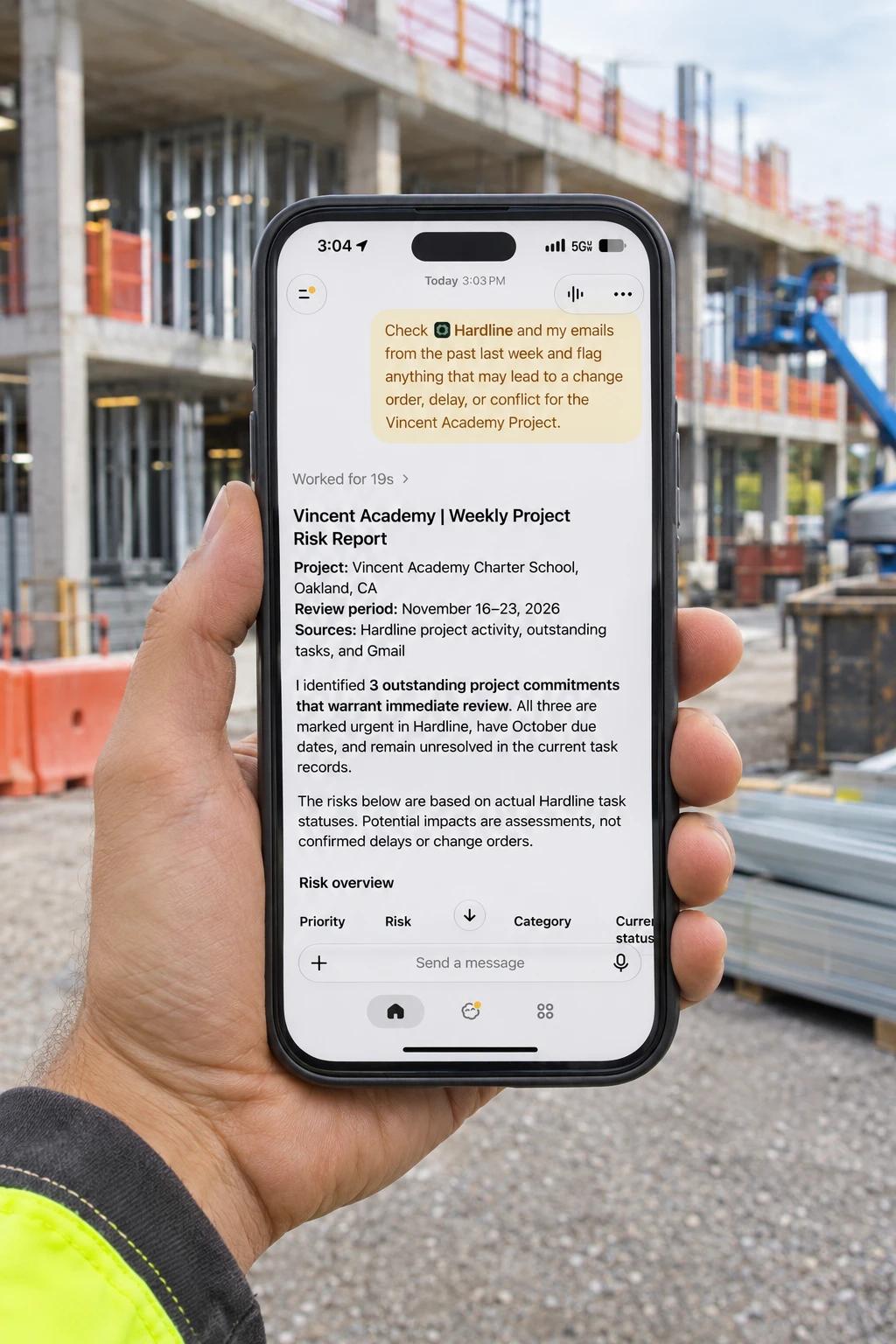
Better AI starts with better project context.
A generic AI assistant doesn’t know what happened on your site today. Hardline makes your project communications accessible through supported integrations.
- Capture
- Phone calls, text messages, site conversations, meeting notes, and field observations.
- Connect
- Make authorized project information accessible to supported AI tools.
- Understand
- Use AI skills to organize and analyze project information alongside relevant emails, documents, and PM system records.
- Act
- Generate reports, identify commitments, prepare meetings, and surface project risks.
Email, drives, and PM system records may be reached separately, through Claude or ChatGPT’s own connections.
From scattered conversations to clear next steps.
Fictional example.
Said in three places
- MondayPhone callThe glazing sub calls the super: curtain wall anchors are held up at the fabricator.
- TuesdayEmailThe sub emails a new delivery date, 9 working days late.
- WednesdayOAC meetingThe team flags a possible hit to level 3 enclosure. Nobody owns the follow-up.
Thursday · the PM asks ChatGPT
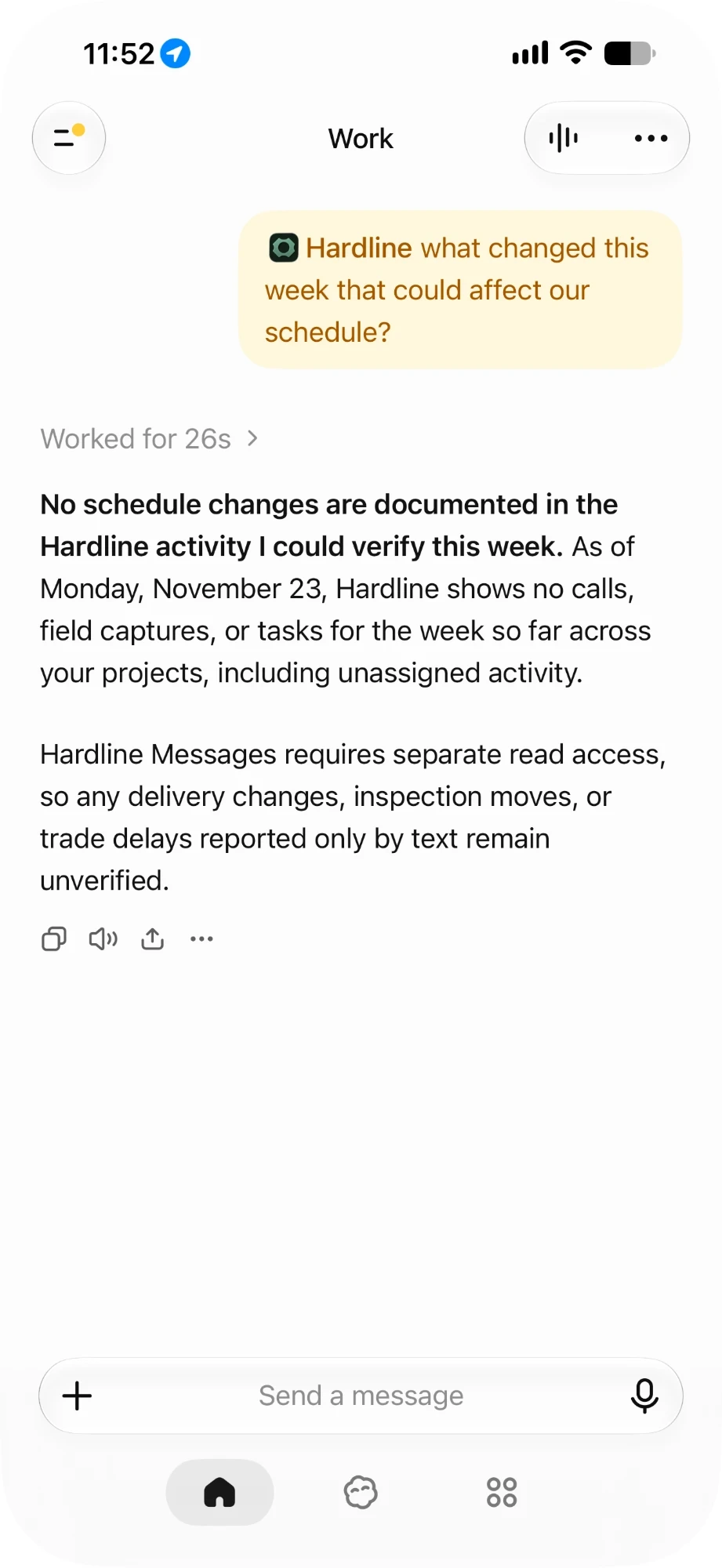
One change this week puts your schedule at risk. The curtain wall anchors are late. The glazing sub’s new delivery date is 9 working days after the planned one.
Level 3 enclosure may slip and hold up interior framing. That is not yet confirmed against the schedule.
Next: get the date in writing, check the float on enclosure, and assign an owner at the next OAC meeting.
Sources: Monday call, Tuesday email, Wednesday OAC minutes.

Frequently asked questions
Are these skills really free?
Yes. The five downloadable skills are free. Access to Claude, ChatGPT, Hardline, or other connected products may require separate accounts or subscriptions.
Do I need Hardline to use them?
The general workflows can be useful with other connected sources, but access to Hardline-specific communications requires a Hardline account and a supported integration.
Do these work with Claude and ChatGPT?
They are packaged using the Agent Skills format. Installation and feature support depend on the platform and on what your account or workspace allows.
Can the skills access my emails and project documents?
Only where the necessary integrations are connected, authorized, and supported. A skill is a set of instructions. It cannot create a connection or get around a permission.
Will the Communication Triage skill automatically run at 8 AM?
No. The skill runs when you ask for it. Scheduling requires a separate automation, set up in a product that supports scheduled runs and has access to your connected sources.
Can the skills create or close tasks in Hardline?
Only when that action is available through your connected tools and you have authorized it. The skills are written to ask before changing any record.
Are my project communications shared publicly?
Installing a skill does not make project records public by itself. Access and processing depend on the connected systems, their permissions, and the service policies that apply to them.
Your best project assistant already has the context. Now give it the skills.
Download five AI skills built for construction professionals and start turning project conversations into real work.
Skill uploads depend on your Claude or ChatGPT plan and workspace.