
The day documents itself
Phone calls, site walks, and Zoom, Meet, or Teams meetings. One app takes notes on all of it and drafts the daily logs, RFIs, tasks, and punch items. Synced to Procore, Autodesk, or Fieldwire on your OK.
 Try the live voice demo
Every conversation. One record.
Meeting notetakers stop at the meeting link. Recorders stop at the room. Voice apps make you stop and dictate. Hardline takes notes on the call, the walk, and the meeting, and files all of it into the same project record.


Hardline takes notes on every phone call
Hardline takes notes on every call you make or get, and drafts the paperwork: the daily log entry, the task with an owner and a date, the RFI follow-up. You review, you approve, it syncs.
Supers take 70 to 100 calls a day. Now they’re the record.
Use your own number or a dedicated work line.
Any conversation can be off the record.
Deleted means deleted.
Transcripts saved. No recordings.
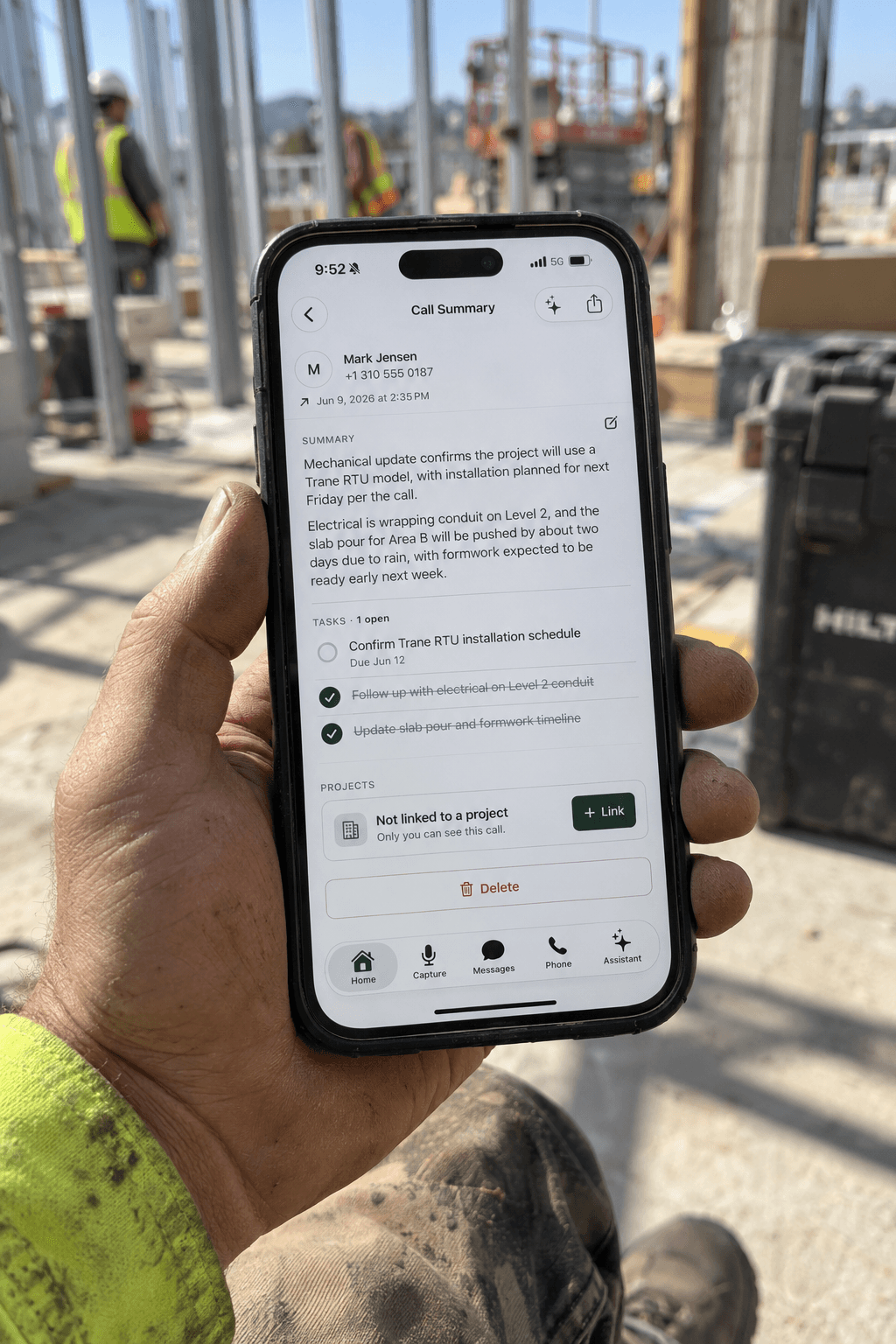
Company lines on the phone your crew already carries.
One way to set Hardline up for your team, not the only one. Issue company numbers that ring on each person’s own phone, and every call is documented the same way.

Separate work line, personal phone.
No second device. No MDM. Nothing installed on their personal life. They dial the way they always have and work stays separate from personal.

Company numbers.
Turnover is the cost of doing business in construction. When someone leaves, you keep the line, the call history, and the sub relationships built on it. Add or shut off a line from the app.
Every call lands on the job.
Calls, site walks, and photos file themselves against the right project. No one is digging through a phone log six months later trying to remember who approved what.

The paperwork writes itself.
Every call becomes a daily log, RFI, punch item, or change order and syncs to Procore, Autodesk, and Fieldwire. Included, not extra.
Setting up the lines
Issue your team Hardline phone numbers.
Calls and texts all go through Hardline.
Keep work and personal separate.
Crew member leaves? Transfer that number to the next employee. Don’t skip a beat.
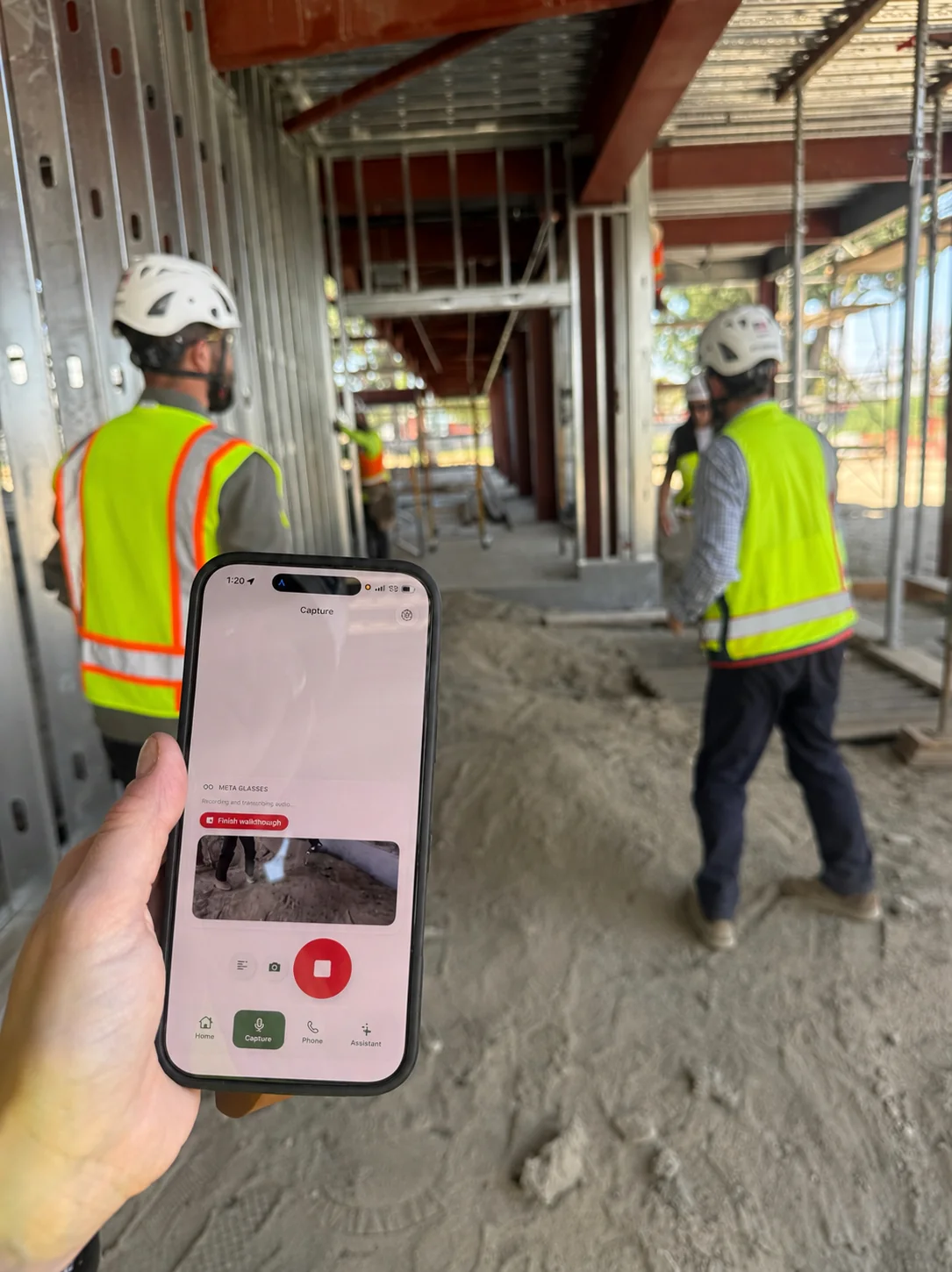
One tap captures site walks and meetings
One tap starts a session: a walkthrough, a toolbox talk, an OAC meeting. It comes back as a summary, a punch list, and field notes, even with no signal.
One-tap record. You start it, you end it.
Works offline. Syncs when you’re back.
Video room scan and multi-angle capture.
Multilingual capture.
Hardline takes notes in your meetings too
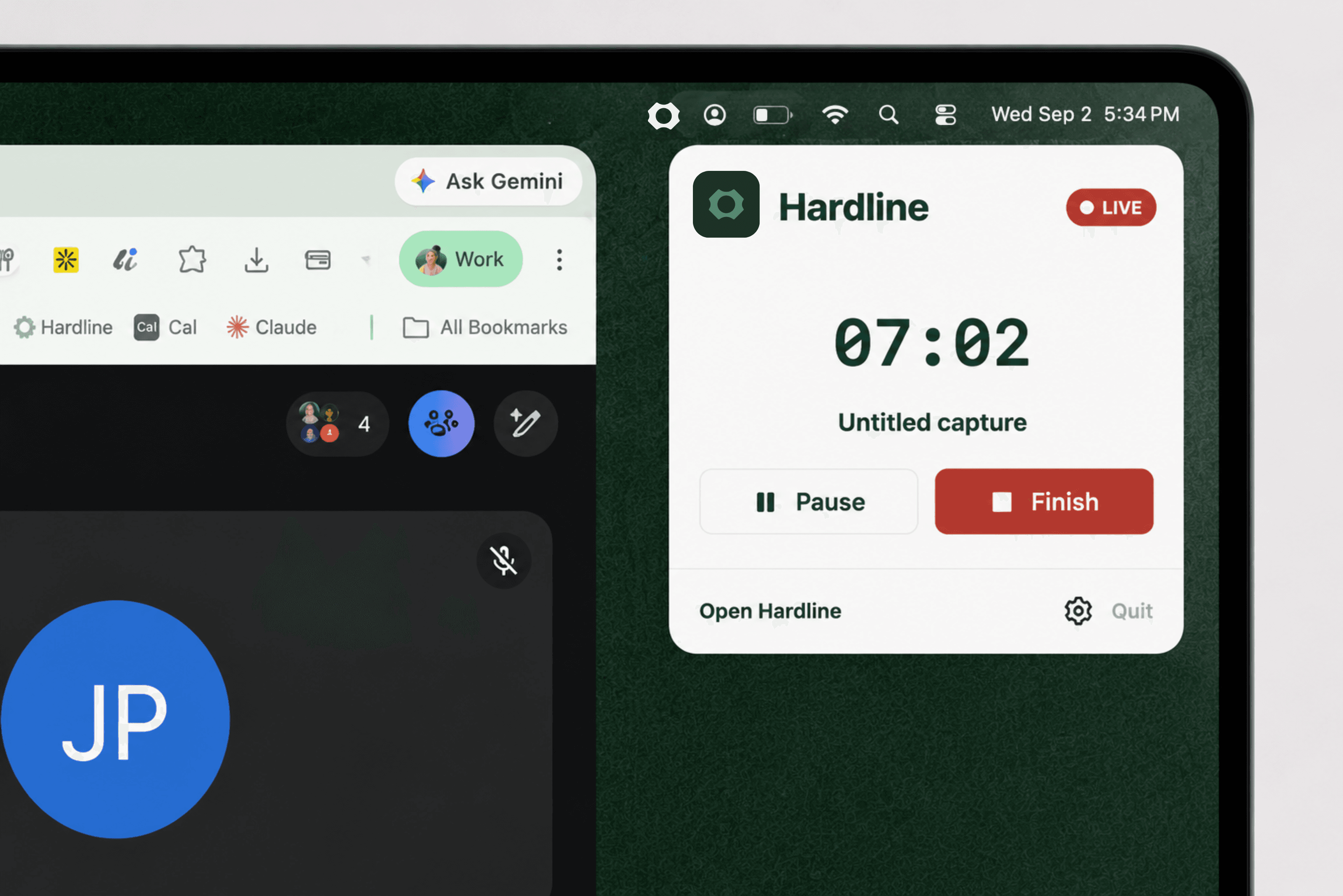
Add Hardline to your Zoom, Google Meet, or Microsoft Teams meetings and it takes notes the same way it does on a call. Most notetakers start in the meeting and stop there. This one starts where the work happens and covers the meeting as well.
Zoom, Google Meet, and Microsoft Teams.
Turn on the meeting notetaker once in settings.
Meeting notes land beside your calls, daily logs, and tasks. One record, not a second inbox.
One tool for the office and the site, so nothing is written down twice.
Prefer the desktop? It’s in the Mac app too. Download for macOS →


Ask Hardline anything about your projects
Plain-English questions, answered from your own calls and documents, with the source linked under every answer.
What did the owner approve last week?
Sourced from 2 calls · 1 email
The Revision B window head detail, approved on Thursday’s call. Sign-off is in an email at 2:14.
Turn today’s calls into the owner update.
Built from 6 calls · ready to edit
Here’s the draft: framing passed inspection, Cal-Air confirmed the duct reroute, and the change order for the added cans goes out today.
Works on iOS, Android, Mac, and web. No new hardware.
Works offline on the field, syncs when you’re connected.
A Windows app is on the roadmap.



Set up once. Then work like usual.
Get started for freeQuestions builders ask
Does it take notes on my personal calls?
Only on calls you've told it to. Your spouse, your buddy, your doctor: flip documentation off for any contact once and their calls are never captured. Not stored, not summarized, nothing.
Does Hardline keep audio of my calls?
No. Phone calls are transcribed in real time and no audio is kept. On-site sessions work the same way: Hardline transcribes what is said, discards the audio, and keeps only the written record.
Does the other person know the call is being documented?
That depends on how your account is set up. Your admin controls disclosure and consent at the account level, and Hardline applies that setting to every documented call. Call recording law varies by state, and several of the busiest construction states require all party consent, so the setting is there to match the rules where you work.
Can my subs see my calls?
Only what you share. Access is permission-based per project and per person.
Built around how construction works, not how software wants it to.