
Hardline vs Otter
Otter takes meeting notes. Hardline takes meeting notes too, plus the phone calls and site walks where construction decisions get made, then writes the daily log.
 Try the live voice demo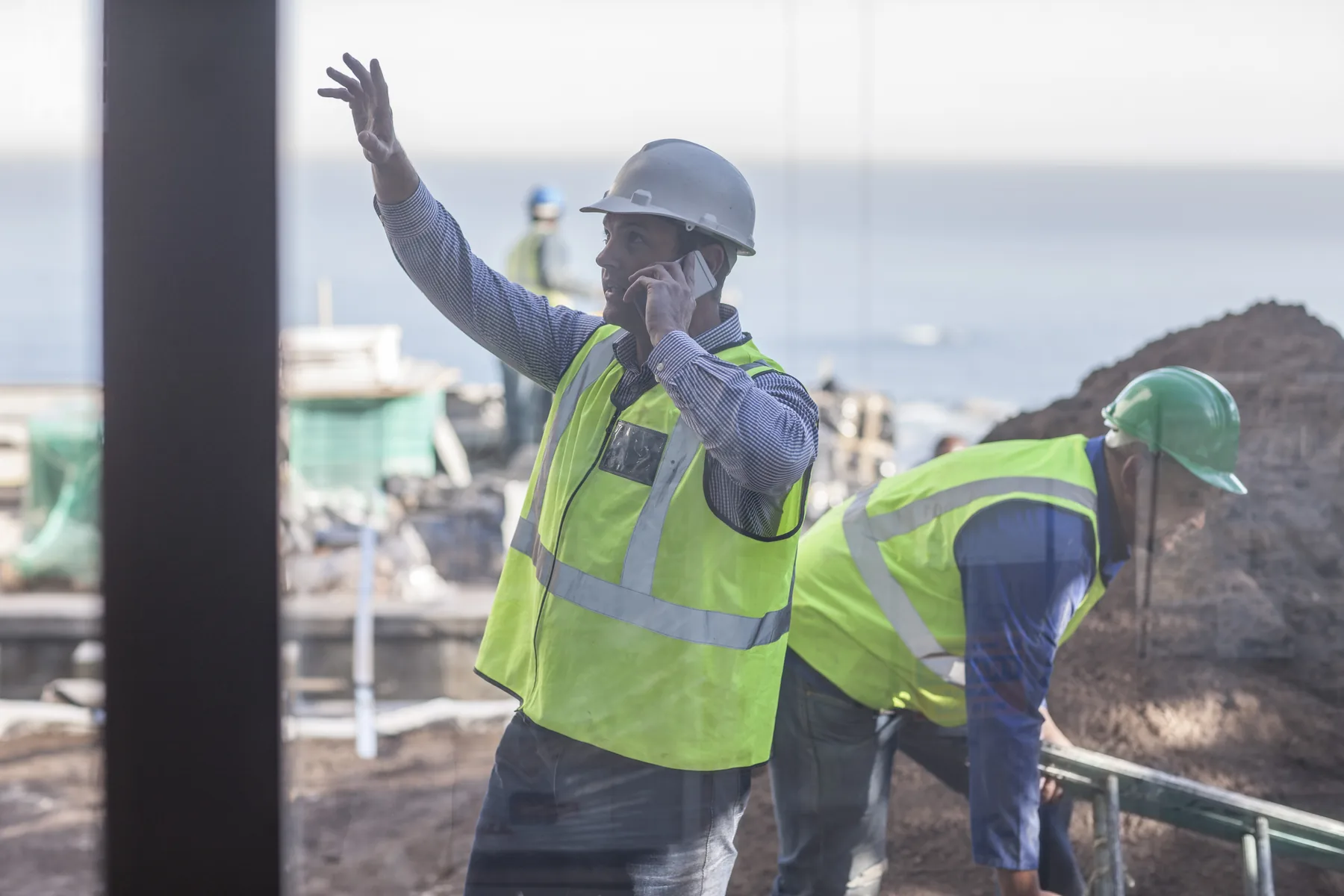
Meeting notes vs meetings, calls, and site walks
Otter is a notetaker built for Zoom, Google Meet, and Teams meetings, and it records in-person conversations from its phone app. For phone calls, Otter's own help center says calls have to be recorded another way and imported.
A super takes 70 to 100 calls a day. Hardline takes notes on those calls on your existing number (or a Hardline work number), plus site walks and meetings, and turns them into daily logs, RFIs, punch items, and tasks that sync to Procore, Autodesk Forma, and Fieldwire.
No audio stored. No transcript to sort through later.
- Who Hardline is for
- Superintendents, PMs, project engineers, and foremen at GCs and trade contractors whose decisions get made on phone calls and site walks, not just in scheduled meetings.
- What Hardline creates
- Daily logs, RFIs, punch items, issues, observations, and tasks with owners and deadlines, plus meeting minutes and change orders, from calls, site walks, and meetings.
- Where it syncs
 All field reporting syncs to Procore, Autodesk Forma, Fieldwire. Trimble: coming soon.
- Audio
- No audio stored, on calls or site walks. Hardline transcribes, discards the audio, and keeps the written record.
Choose Hardline if
- Your decisions get made on phone calls with the sub, the supplier, and the architect
- You want daily logs, RFIs, punch items, and tasks, not a transcript to read later
- You want those outputs in Procore, Autodesk Forma, or Fieldwire
- You don't want call audio sitting on a server
- You want calls, site walks, and meetings in one project record
- You're a super, PM, or foreman with an iPhone or Android. That's all the hardware you need
Choose Otter if
- Most of your conversations happen in Zoom, Google Meet, or Teams meetings
- You want one notetaker for office, sales, and internal meetings
- You want an audio recording kept next to the transcript
- You don't need outputs in Procore, Autodesk Forma, or Fieldwire
Where each one actually fits
Real moments from a construction week, and what happens in each tool.
| Scenario | Hardline | Otter |
|---|---|---|
| Super takes a call from the architect about a wall detail | Notes taken on both sides, RFI drafted, synced to Procore | Not captured live. The call has to be recorded another way and imported |
| Weekly OAC meeting runs on Zoom or Teams | Minutes with owners and action items, in the same project record as the calls | Joins the meeting and writes notes and a summary |
| Walk with the owner's rep flags a dozen punch items | On-site capture turns the walk into punch items with photos attached | Transcript of the walk; the punch list is still written by hand |
| Daily log is due at the end of the day | Drafted from the day's calls and walks, synced to your PM tool | Per-conversation summaries; the daily log is still written by hand |
| Call with a sub in an all-party consent state | No audio stored; automatic call disclosure available in settings | Recording-based, so disclosure is on you |
What one conversation turns into
01 · You
Talk.
Calls, site walks, meetings.
02 · Hardline
Structures.
Decisions, tasks, issues, commitments.
03 · Hardline
Closes the loop.
Reports drafted. Systems updated. Teams aligned.
See Hardline on a real jobsite
Documentation built for the way construction actually works: voice-first, integrated, and out of the way.
Frequently asked questions
Common questions about Hardline and Otter.
Can Otter record phone calls?
Not directly. Otter's help center says calls must be recorded separately (for example with the phone's built-in call recording) and then imported into Otter for transcription. Hardline takes notes on native phone calls as they happen, through carrier-level call forwarding on your existing number or a Hardline work number.
Is Hardline an AI call recorder for construction?
Hardline does the job people want a call recorder for, without keeping the recording. It transcribes the call in real time, discards the audio, and keeps the written record: the summary, the decisions, and the daily log, RFI, and task drafts that come out of it.
Does Otter create daily logs, RFIs, or punch lists?
No. Otter produces transcripts and meeting summaries. Turning them into a daily log, an RFI, or punch-list lines is left to the user. Hardline produces those construction documents directly and syncs them to Procore, Autodesk Forma, and Fieldwire.
Does Hardline take notes in Zoom, Google Meet, and Teams meetings too?
Yes. Turn on the meeting notetaker once in settings and add Hardline to your Zoom, Google Meet, or Microsoft Teams meetings. The minutes and action items land in the same project record as your calls and site walks.
Does Hardline work on Android and iPhone?
Yes. Hardline runs on iPhone, iPad, and Android, with a Mac app and a web app for the desk. No extra hardware.
Does Hardline store audio recordings?
No. Hardline transcribes in real time, discards the audio, and keeps only the transcript and the documents it creates. There is no recording on your phone or on our servers.
Key facts
No audio stored. Hardline does not store audio. On a call it transcribes in real time, discards the audio, and keeps only the transcript, the summary, and the documents it creates. On-site capture works the same way for site walks and in-person meetings: no audio is retained.
What syncs to Procore. Any field reporting Hardline creates can sync to Procore, Autodesk Forma (formerly Autodesk Construction Cloud), and Fieldwire: daily logs, RFIs, issues, observations, punch items, tasks, and meeting minutes. Outputs can also stay in the Hardline app.
Accuracy and human review. Hardline uses construction-trained AI that reaches roughly 98% accuracy based on customer usage data. What it creates is a draft your team reviews and edits; most teams review and approve in under 10 minutes.
Offline and field reality. Phone calls need cell signal like any call. On-site capture for walks and in-person meetings works offline: it runs on the device and generates the summary once you are back in range.