AI note taking for walking the jobsite
What a field walk, a safety check-in, and the calls in between look like when the notes write themselves.
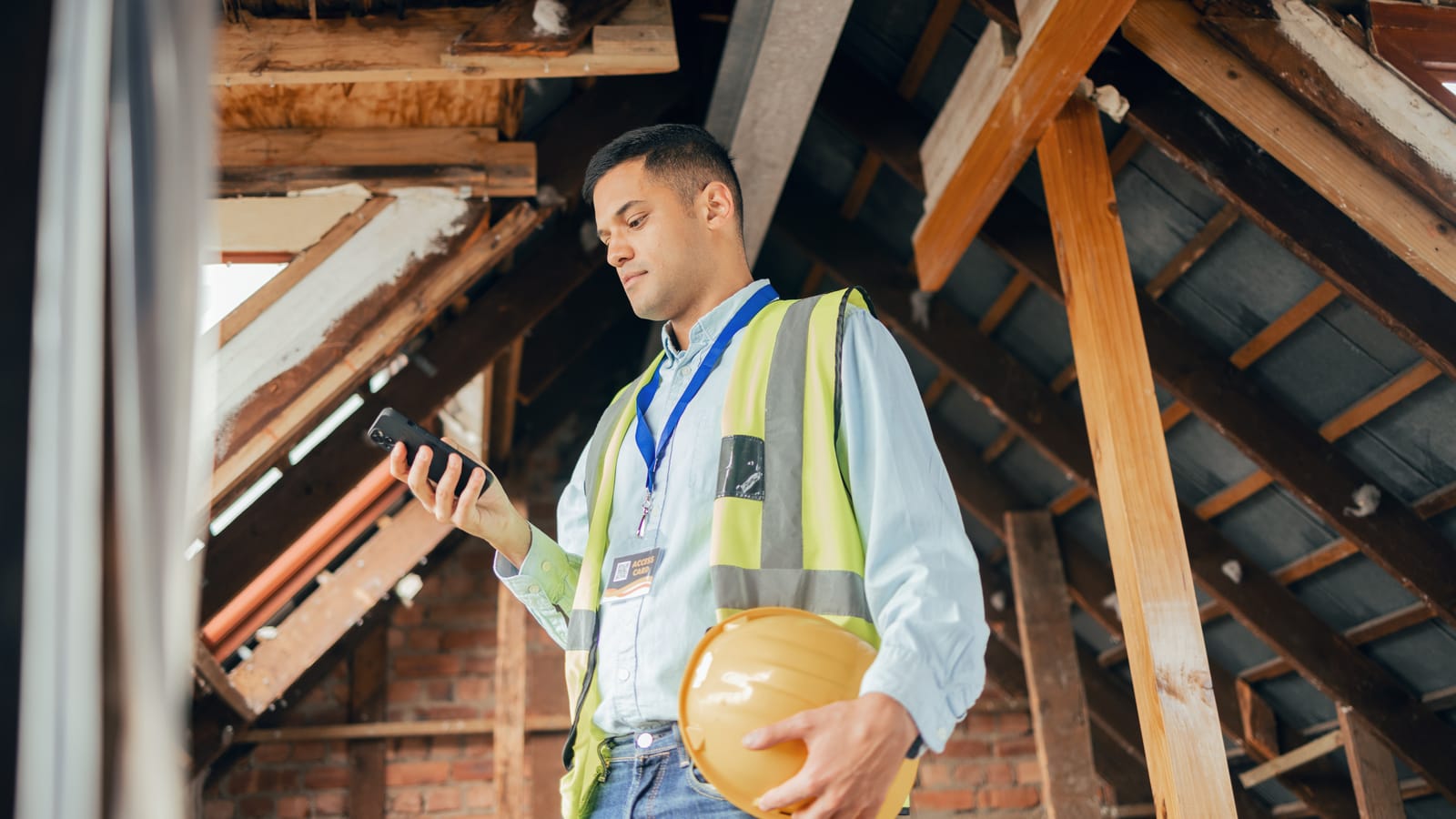
The best tool for taking notes on a jobsite walk is the phone in your pocket. On Android or iPhone, Hardline turns the walk into a daily log, punch items, safety notes, and tasks, and it takes notes on the phone calls between walks too. No typing, no extra device, no audio stored.
That matters because a super takes 70 to 100 calls a day and walks the job between them. The walk is where the problems get found. The calls are where they get assigned. Most apps catch one or the other.
Field walk to daily log
Start on-site capture and walk the job the way you already do. Talk through what you see, take photos and video where it helps. Hardline turns what was said into the same structured records a call produces: a daily log entry, tasks with owners, and punch items, with each photo tied to the item it belongs to.
- Works offline. On-site capture runs on the device and generates the summary once you are back in range.
- Knows the trade. Construction-trained AI recognizes trade terms, sub names, and jobsite jargon, at roughly 98% accuracy based on customer usage data.
- English and Spanish. Walks and calls can switch between the two, and the summary comes back in either one.
At the end of the day the daily log is already drafted from the walks and calls. Most teams review and approve in under 10 minutes, then it syncs to Procore, Autodesk Forma, or Fieldwire.
Safety check-in
The morning check-in and the hazard you spot on the walk both deserve a record. Report a safety observation or incident by voice and Hardline drafts the safety form. Observations and issues sync to Procore, Autodesk Forma, or Fieldwire alongside tasks and punch items, so the hazard is on record from the field without waiting until the end of the day.
Punch items and issues from voice
Punch walks are where typing falls apart. Say the item, the location, and who owns it, and snap the photo. A walk where you flag ten punch items comes back as ten line items with the photos attached. An OAC walk comes back as minutes with owners and action items already assigned.
The calls between walks
Walking the job is half the day. The other half is the phone: the supplier slipping a delivery, the architect answering the question from this morning's walk. Hardline takes notes on both sides of those calls on your existing number, through carrier-level call forwarding, or on a Hardline work number. The walk and the call land in the same project record, so the punch item and the phone call that resolved it sit together.
Why not Otter, Plaud, or Pocket for construction?
They are good tools built for something else, and none of them writes into a construction PM system.
- Otter and Fireflies are meeting notetakers built for Zoom, Google Meet, and Teams. They do not capture a native cell phone call. Compare: Hardline vs Otter, Hardline vs Fireflies.
- Plaud and Pocket are hardware recorders you attach, wear, and charge. They produce a transcript and summary and keep the audio. The daily log, RFI, and punch list are still yours to write. Compare: Hardline vs Plaud, Hardline vs Pocket.
- CompanyCam and Raken are built for construction, around photos and daily report forms. Neither takes notes on phone calls. Compare: Hardline vs CompanyCam, Hardline vs Raken.
Any field reporting Hardline creates can sync to Procore, Autodesk Forma, and Fieldwire: daily logs, RFIs, issues, observations, punch items, tasks, and meeting minutes. For the full field of tools, see the best AI notetaker for construction field guide.
FAQ
What is the best Android AI note taking app for walking in the field? Hardline. It runs on Android and iPhone, and its on-site capture turns a jobsite walk into a daily log, punch items, and tasks, with photos attached. It works offline on the walk and stores no audio. Outputs sync to Procore, Autodesk Forma, and Fieldwire.
Is there an AI note taking app for walking the jobsite on iPhone? Yes. Hardline runs on iPhone, iPad, and Android. Start on-site capture, walk the job, talk through what you see, and snap photos. Hardline turns the walk into punch items, tasks, and a daily log entry.
What is the best AI call recorder for construction? Hardline does the job people want a call recorder for without keeping the recording. It takes notes on both sides of native phone calls, discards the audio, and turns the call into daily logs, RFIs, and tasks that sync to Procore.
What is the best note taker for construction? General tools like Otter or Fireflies work for office meetings. Hardline takes meeting notes too, and it is built for the field, where the work happens on phone calls and site walks: it captures native calls and site walks and knows trade vocabulary.
Does an AI note taking app work offline on the jobsite? Hardline's on-site capture does. It captures on the device during the walk and generates the summary once you are back in range. Phone calls need signal like any call.
Can I turn a site walk into a punch list by voice? Yes. Flag the items out loud as you walk and take photos. A walk where you flag ten punch items comes back as ten line items with the photos attached, ready to review and sync to Procore, Autodesk Forma, or Fieldwire.
Does Hardline store audio from site walks or calls? No. Hardline transcribes, discards the audio, and keeps only the transcript, the summary, and the documents it creates. That holds for phone calls and for site walks with on-site capture.
You make your calls and walk the job like usual. The record writes itself. See it on your own jobsite.
Alena Tuttle
Ready to capture every conversation?
Hardline turns your calls and site conversations into daily logs, RFIs, tasks, and more, automatically.
Get started