Hardline x Fieldwire Integration Announcement
Turn phone calls and site-walk conversations into Fieldwire tasks, with photos, that you review and send, cutting manual data entry and reducing rework.
On this page
Turn phone calls and site-walk conversations into Fieldwire tasks, with photos, that you review and send, cutting manual data entry and reducing rework.
Hardline and Fieldwire integration streamlines jobsite communication and task management
Check it out here: https://www.fieldwire.com/integrations/hardline/
Construction projects demand clear communication and fast, accurate documentation. Yet, many teams still spend hours typing notes, updating tasks, and chasing down details after conversations on the jobsite. This slows progress and increases the chance of mistakes or missed information.
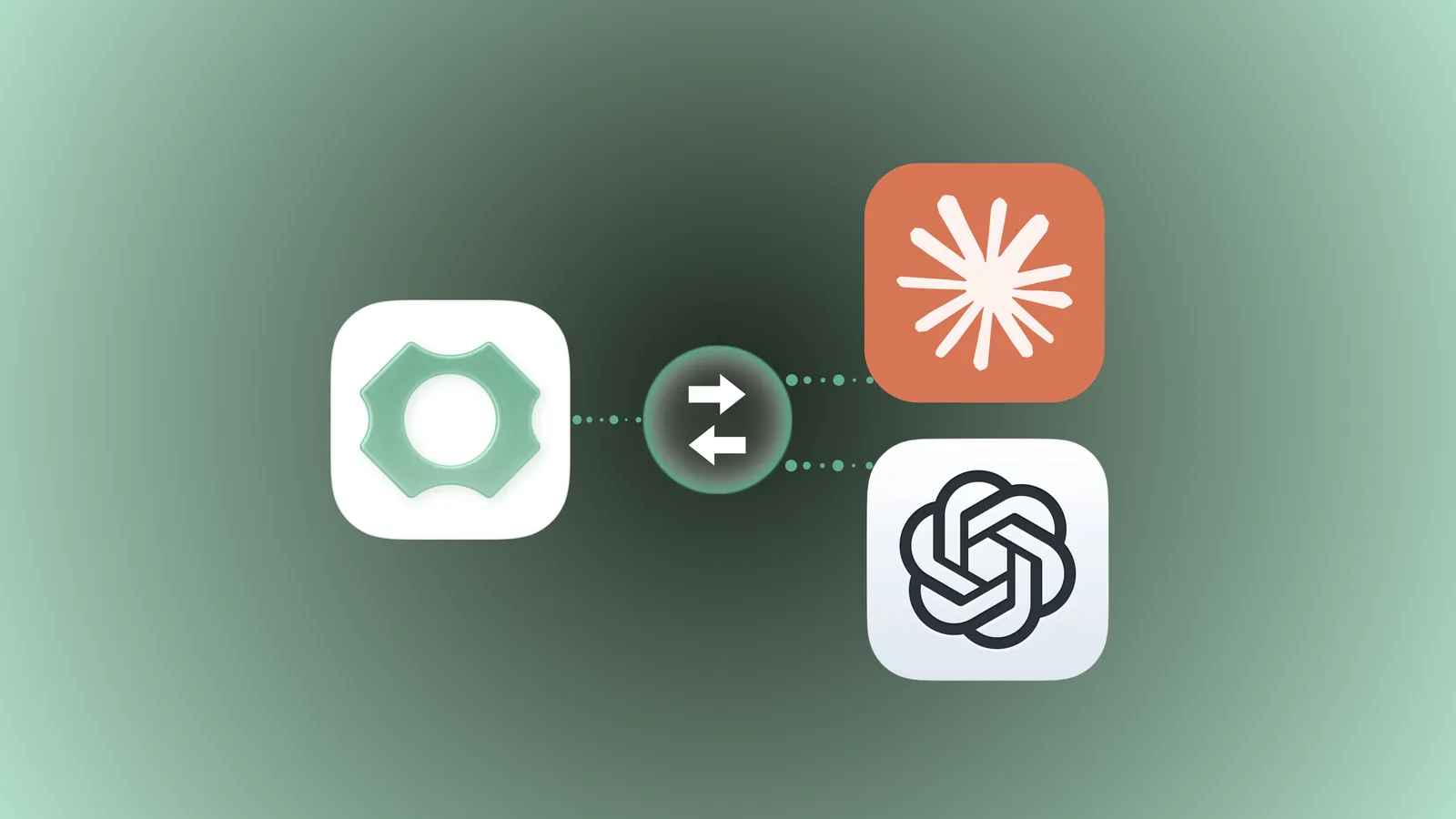
Now, a new integration between Hardline and Fieldwire changes the way teams capture and act on jobsite conversations. By turning spoken words into reviewed tasks, this voice-first AI platform helps crews stay aligned and cuts down on typing.
How the Integration Works
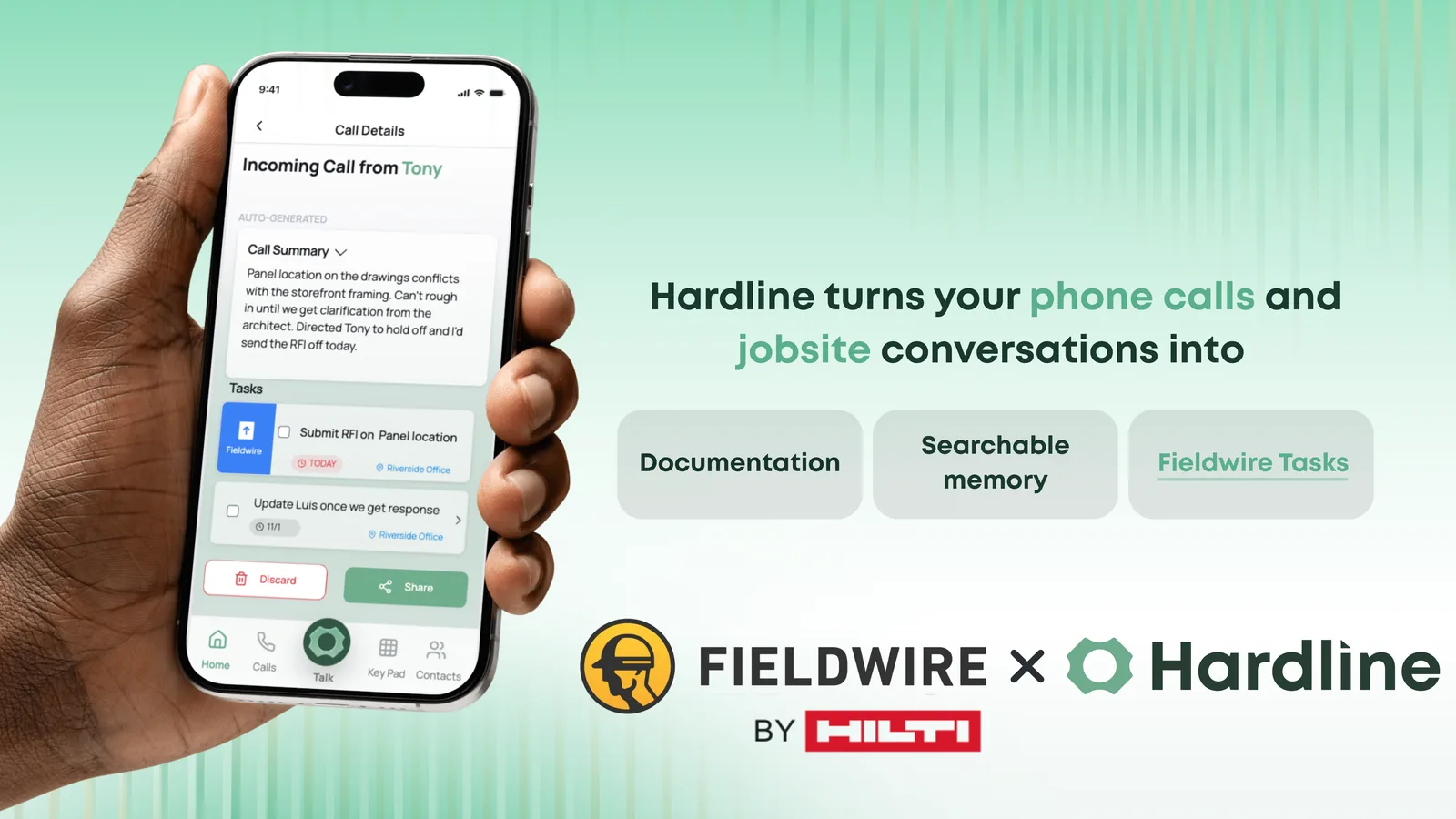
Hardline uses voice recognition and AI to listen to conversations on the jobsite. When a worker talks about a task, update, or issue, Hardline captures the details and drafts a task. Once you review and approve it, Hardline sends it to Fieldwire. It is a one-way send, so later edits in Fieldwire do not flow back to Hardline. This means:
- Less typing: Workers speak naturally, and Hardline drafts the task. - Tasks from conversations: Calls and on-site talks turn into draft tasks you approve before they go to Fieldwire. - Context travels with the task: Tasks carry the details and photos, reducing confusion.
For example, if a foreman says, "Check the wiring in the east wing and replace any damaged cables," Hardline drafts a task with those instructions, and after review it is sent to Fieldwire. The team can then track progress there.
Benefits for Field Teams
This integration offers clear advantages for crews working in the field:
- Fewer missed details: Voice capture reduces errors caused by forgotten or miswritten notes. - Less rework: Accurate, timely updates help avoid mistakes that lead to costly corrections. - Time saved on documentation: Teams spend less time on paperwork and data entry. - Improved alignment: Everyone stays on the same page with reviewed tasks going to Fieldwire.
By cutting down on manual updates, workers can focus more on their core tasks and less on administrative work.
Practical Use Cases
Here are some ways teams can use the Hardline and Fieldwire integration to improve their workflow:
- Daily stand-ups: Instead of writing notes, supervisors speak updates that become draft tasks for Fieldwire. - Issue reporting: Workers report problems verbally, and Hardline drafts tasks for resolution. - Field changes: On-the-fly changes discussed on-site get captured as tasks with an owner. - Safety checks: Safety observations spoken on site turn into follow-up tasks you can send to Fieldwire.
These examples show how natural conversations become structured work items, speeding up communication and follow-through.
Getting Started with the Integration
To begin using Hardline with Fieldwire:
- Connect your accounts: A Hardline admin sets up the connection together with your Fieldwire administrator. Fieldwire requires API access on your Fieldwire plan. 2. Train your team: Share best practices for speaking clear, actionable updates. 3. Test on-site: Start capturing conversations during meetings or walkthroughs, review the draft tasks, and send them to Fieldwire. 4. Refine workflows: Adjust how you use voice updates to fit your team's specific needs.
The integration is designed to be easy to adopt and built specifically for field conditions.
Why This Matters for Construction Productivity
Construction projects often face delays due to poor communication and slow documentation. By turning spoken words into reviewed tasks, this integration helps teams:
- Keep projects moving without waiting for paperwork. - Reduce errors caused by lost or misunderstood information. - Save time that can be redirected to actual construction work.
This practical tool supports crews in staying organized and efficient, which benefits the entire project timeline and budget.
Get Started Today
The Hardline and Fieldwire integration transforms how jobsite conversations become work. By capturing voice updates and sending reviewed tasks into task management, it removes barriers between communication and action. Teams can spend less time typing and more time building.
Explore the integration today and see how your crew can save time, reduce mistakes, and stay aligned with every conversation on site. Your words can now lead to real action faster than ever before.
Schedule time to get onboarded to Hardline and set up your Fieldwire connection with your Fieldwire administrator.
Karly Heffernan
Ready to capture every conversation?
Hardline turns your calls and site conversations into daily logs, RFIs, tasks, and more, automatically.