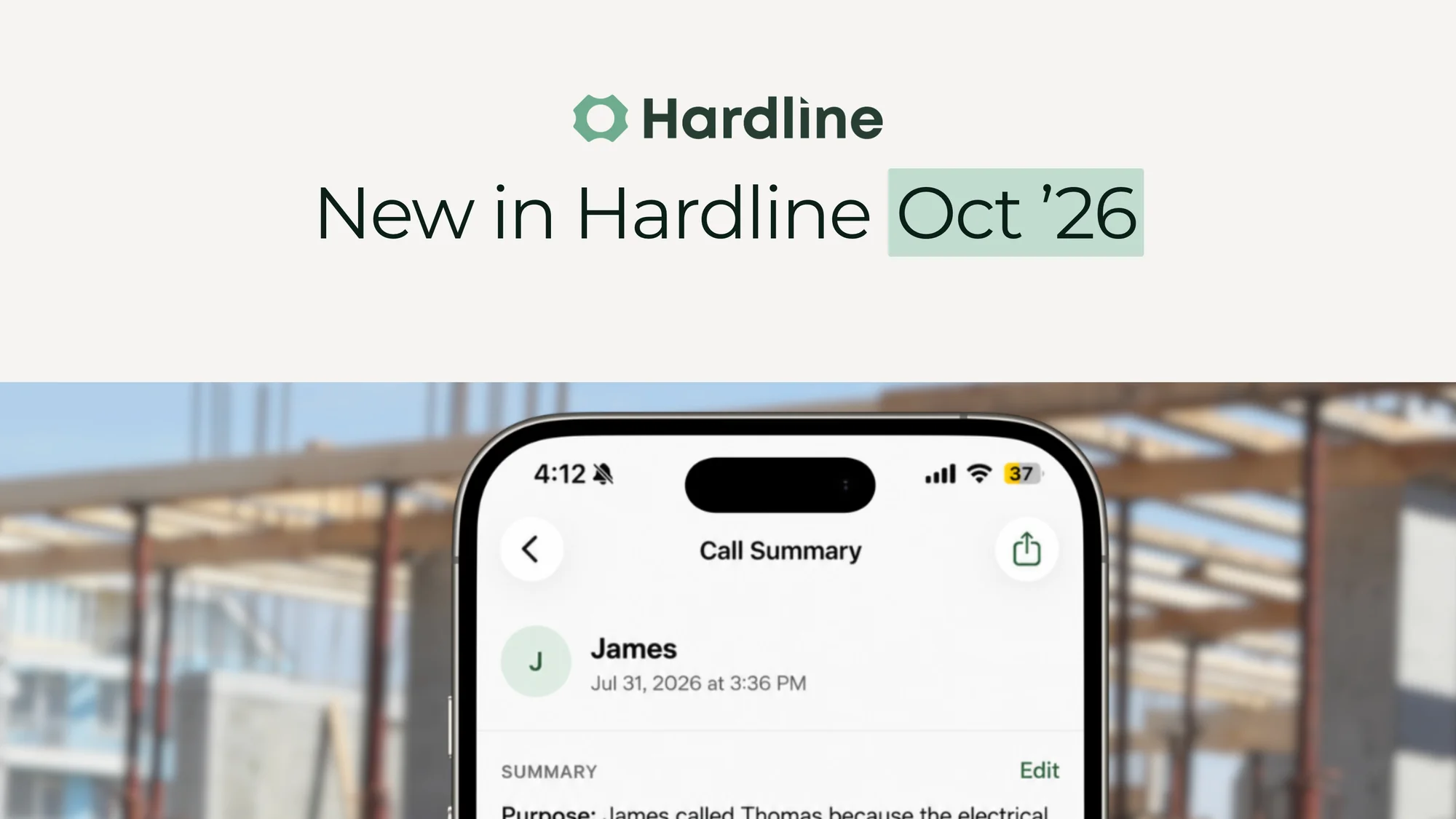
New in Hardline: November | 2026
Capture the job as you talk, bring that context into the AI tools you already use, and teach Hardline how your team works.
On this page
To our clients, and to anyone still deciding whether Hardline is for them: November is one of our bigger months. There are new ways to capture what’s happening in the field, connect your project context to AI, and turn repeatable workflows into Skills.
The short version is three words: capture, connect, automate. You talk the site and Hardline fills in the paperwork. That paperwork becomes context your AI tools can work from. And the jobs you repeat every week become Skills that Hardline follows the same way each time.
In this update:
- Capture templates for the documentation you create every day
- Your field context in ChatGPT, Grok Bot and Claude
- Skills for the Hardline Assistant
- Four smaller improvements across projects, messaging and onboarding
- What’s next for hands-free capture
Alena & Karly
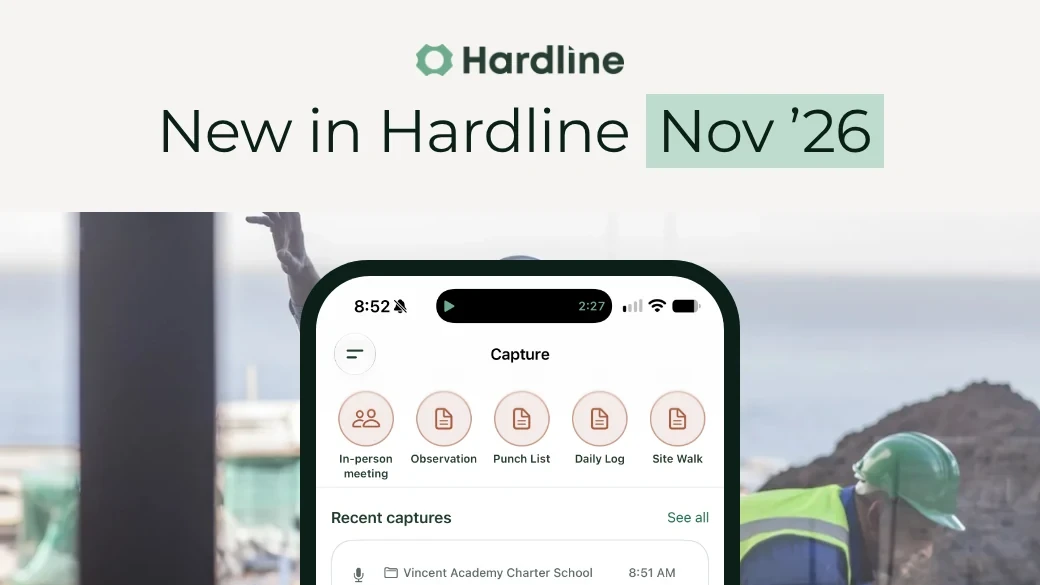
Capture just got a major upgrade: templates
Choose a template. Talk the site. Send the output to multiple systems after.
Hardline now has purpose-built Capture workflows for the documentation construction teams create every day:
- Site walks
- Daily logs
- Observations
- Punch lists
- In-person meetings
- Voice notes
- Photos
- Walkthroughs
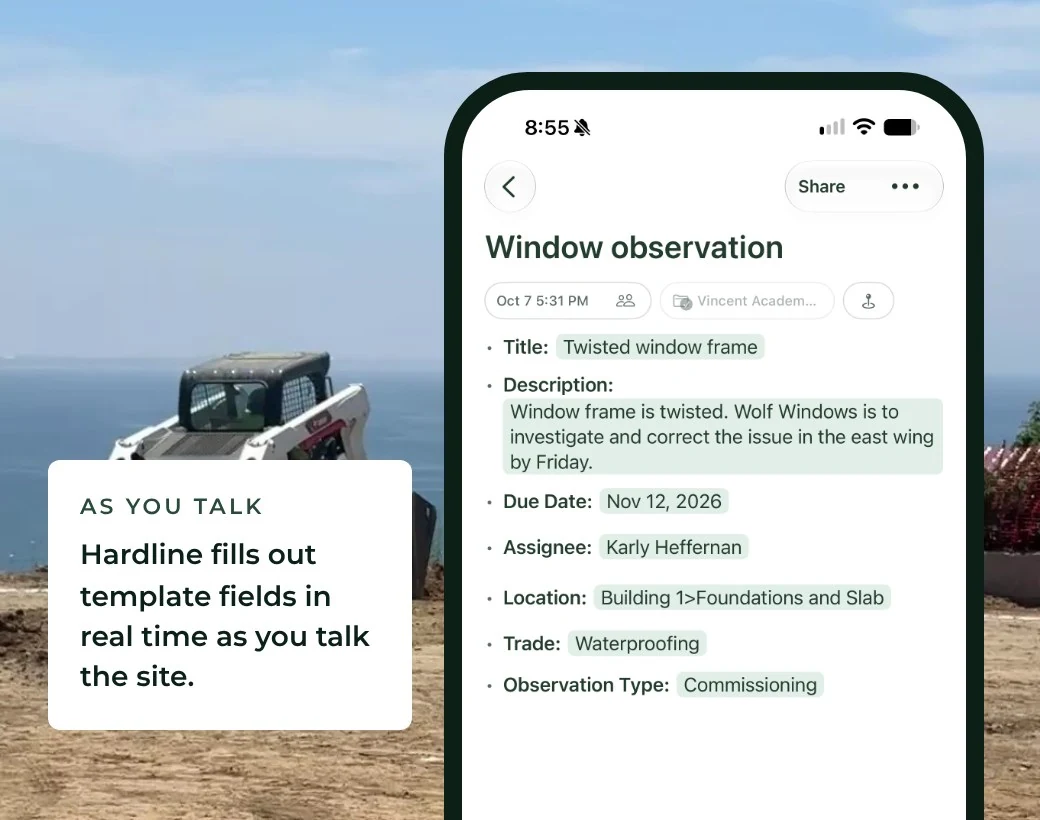
You capture what’s happening the way you already work, through voice and photos. Hardline turns it into structured project documentation and fills out the template fields in real time as you talk the site. A twisted window frame becomes an observation with a title, a description, a due date, an assignee, a location, a trade and a type, before you have left the room.
Your field team never has to stop and fill out complicated forms.
Your field context, now in ChatGPT, Grok Bot and Claude
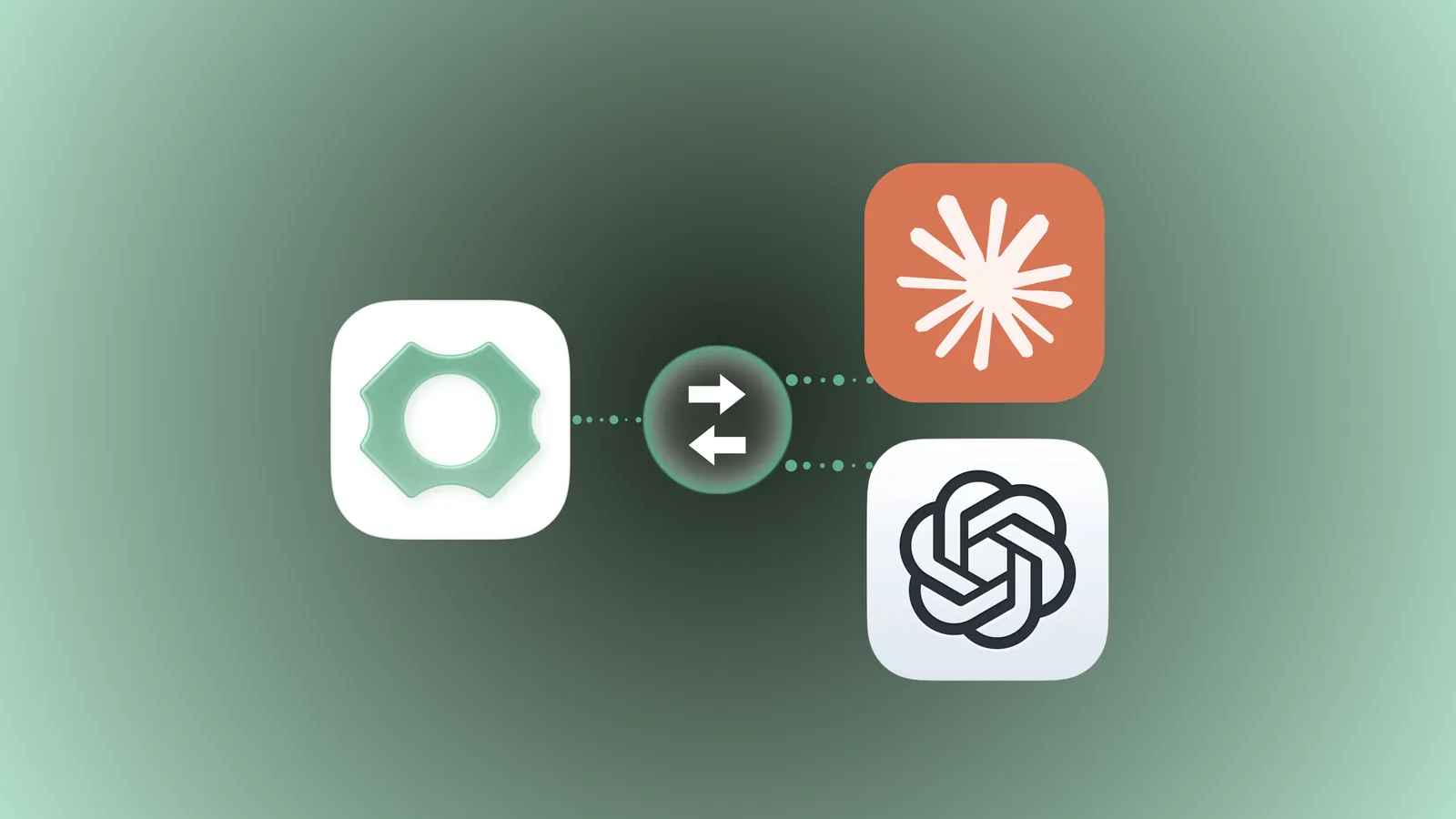
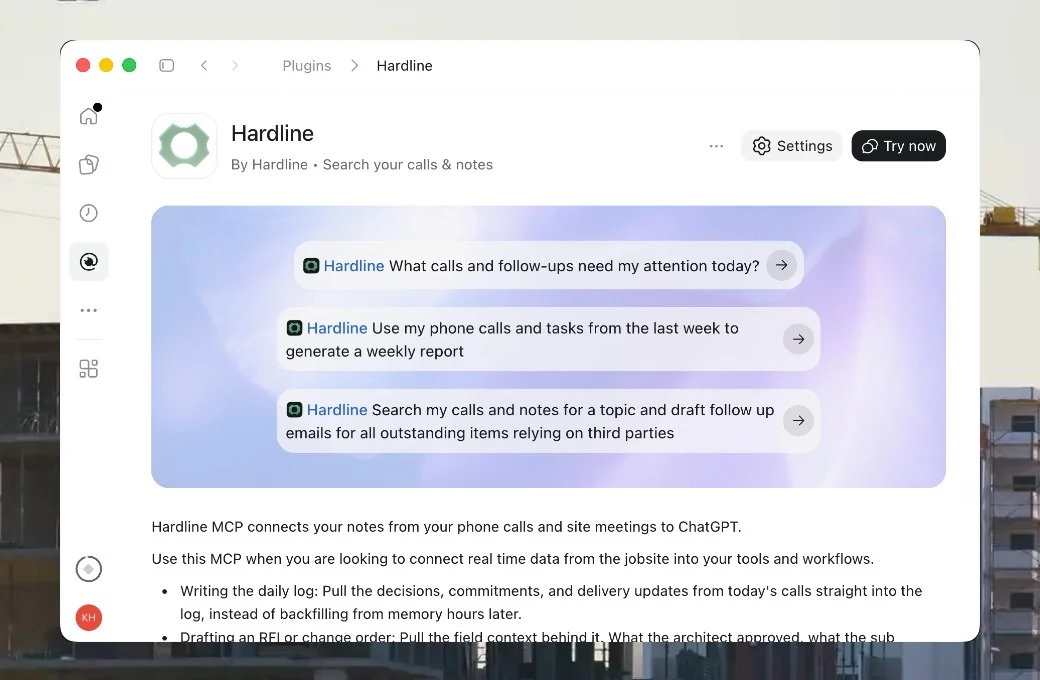
Bring Hardline into the AI tools you already use. Hardline can now connect your project context to ChatGPT, Grok Bot and Claude.
The difference is what those tools get to work from. They are not guessing from a prompt. They work from what your team actually captured on the job, so you’re not digging through calls, notes, captures and project history by hand.
Here is how teams are using it:
- Site walk to safety report. Capture a long, detailed site walk with photos in Hardline. Then ask ChatGPT or Claude to write the formal safety report and cross-check it against OSHA and Cal/OSHA regulations.
- Changes, decisions and risks at a glance. Ask ChatGPT or Claude to build a dashboard of the changes, decisions and risks mentioned across your site walks and phone calls.
- Daily communication triage. Set up a daily task that pulls together your phone calls, emails and text messages, flags what needs your attention, and shows what’s ready to close out.
To get started faster, download 5 Hardline skills for ChatGPT and Claude.
Meet Skills
Teach Hardline how your team works.
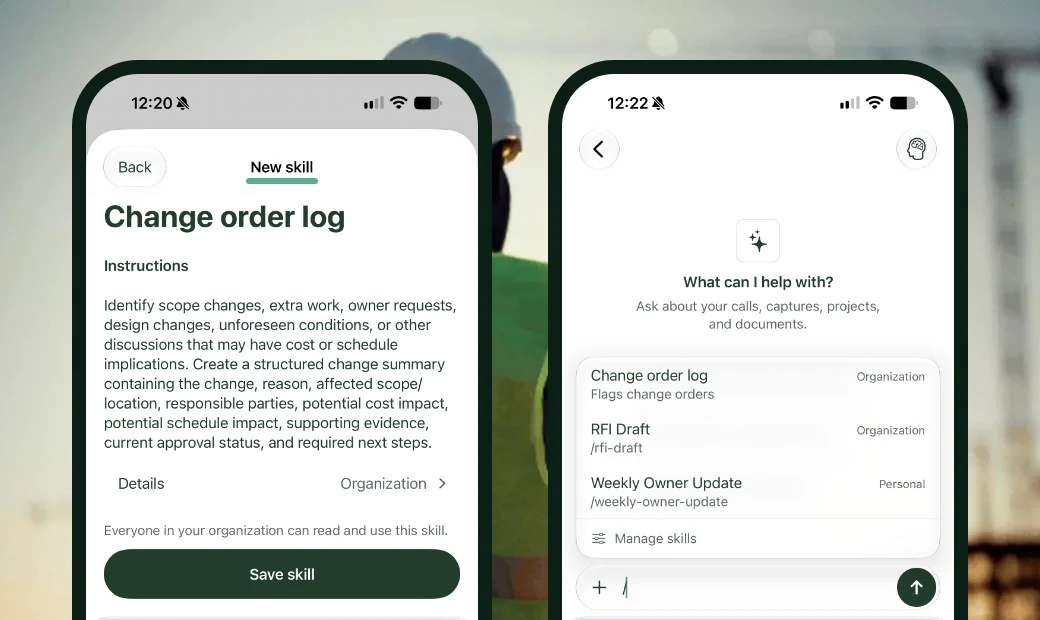
Skills are reusable instructions for the Hardline Assistant. Create a Skill once, and Hardline follows that process whenever you need it. No more explaining the format every time.
A few Skills teams are starting with:
| Skill | What it does |
|---|---|
| Weekly Owner Update | Turns project activity from the week into a concise, owner-ready update. |
| RFI Draft | Turns a field question or project discussion into a structured RFI draft. |
| OAC Meeting Minutes | Organizes discussions, decisions, action items, owners and due dates. |
| Lookahead Plan | Turns project activity into a structured 1–4 week lookahead. |
| Site Safety Observation | Turns captured field conditions into consistent safety documentation. |
To create a Skill, start a new chat, type a forward slash in the Assistant chat box, and choose Manage skills.
Also new in Hardline
- Active Projects. Keep new activity organized around the job you’re currently working on.
- Smarter project organization. Better association between captures, calls, tasks and the projects they belong to.
- Messaging improvements. A cleaner messaging experience, with less friction when you’re communicating with your team.
- Improved onboarding. A faster path from signup to capturing useful project information.
Up next: an upgraded hands-free experience
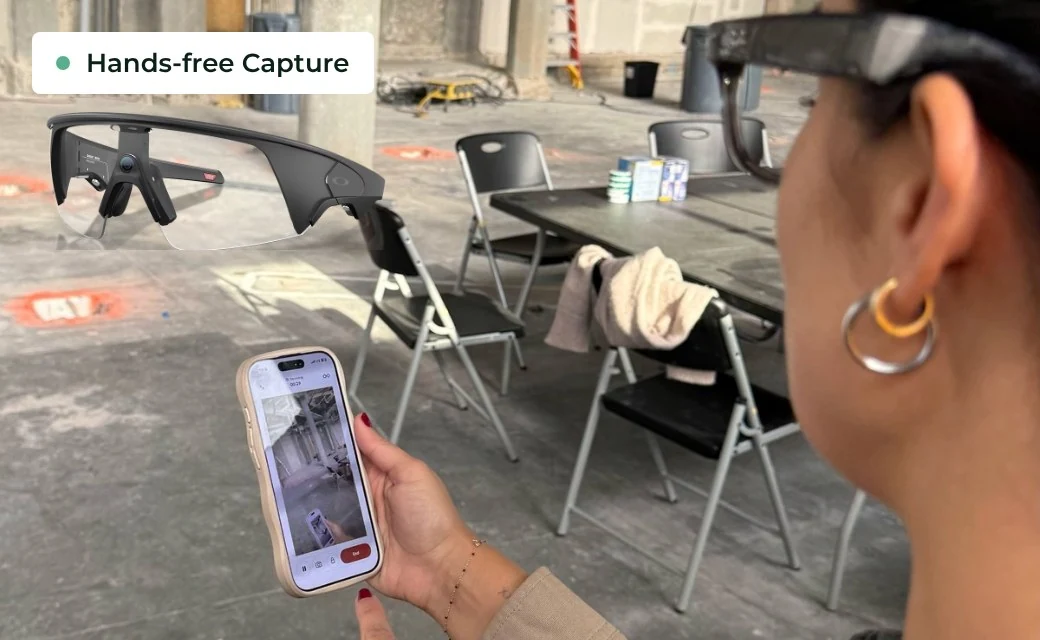
An enhanced hands-free experience is coming for Meta, Lucid and more.
The goal is simple: capture more of the jobsite without pulling out your phone. More capabilities are on the way to document as you walk the site with your smart glasses. We’ll share details as they ship.
Until next month
Hardline is built for the conversations where construction actually happens. If you haven’t opened it in a while, this is a good month to open Hardline and try a template on your next site walk.
Thanks for building with us.
Alena & Karly
Karly Heffernan
Ready to capture every conversation?
Hardline turns your calls and site conversations into daily logs, RFIs, tasks, and more, automatically.